Projiverse logoProjiverse
BeginnerArtificial IntelligenceMajor Project

AI Study Monitor

Real-time student engagement monitoring with computer vision

About This Project

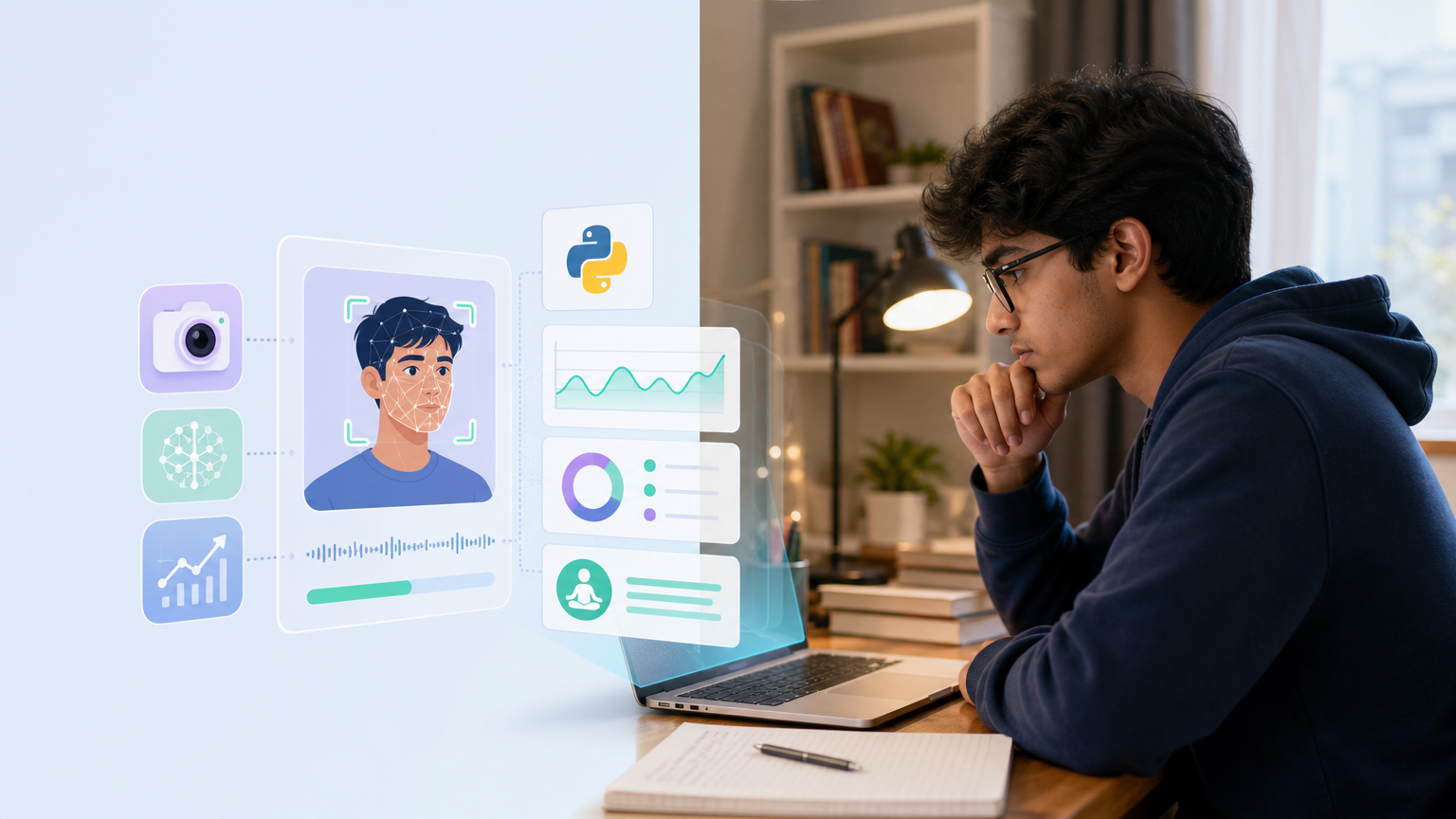
A Streamlit application that uses webcam vision to detect study behavior, classify states, and log sessions.

Problem Statement

Students often struggle to stay focused during study sessions, easily slipping into phone use or daydreaming, and they have no objective way to track their attention patterns over time.

Proposed Solution

AI Study Monitor addresses the challenge of maintaining focus during study sessions by providing students with a real-time analysis of their engagement behaviors. By leveraging computer vision technology, it allows users to visualize their study habits, identify distractions, and ultimately adjust their behaviors for more effective learning.

What You'll Learn
  • Implement a multi-modal computer vision pipeline with MediaPipe and YOLOv8
  • Design a weighted behavior scoring engine with configurable weights
  • Build a real-time Streamlit dashboard with custom HTML/CSS and interactive Plotly charts
  • Persist time-series observation data to SQLite and manage session lifecycle
  • Apply temporal debouncing to stabilize state transitions
Technologies Used
PythonStreamlitOpenCVMediaPipeUltralytics (YOLOv8)NumPyPandasPlotlyPytest
Industry-Ready Preparation

This isn't just a project — it's a simulation of how software actually gets built inside a company. You'll see how real teams gather a client's requirements, negotiate trade-offs, and ship in sprints instead of all at once, while picking up the daily rhythm of an engineer's (and tester's) week along the way.

Working With Clients
Requirement gathering, scope negotiation, and expectation management — the way client-facing teams actually handle it.
A Day In The Life
Stand-ups, code reviews, bug triage, and release day — the real rhythm of an engineer's (and tester's) week.
Agile, In Practice
Sprints, backlogs, and retrospectives — see how requirements evolve iteration over iteration, not just in theory.
How Companies Ship Software
From scoping to staffing to shipping — the full lifecycle behind a project like this one, end to end.
Real-world deployment context
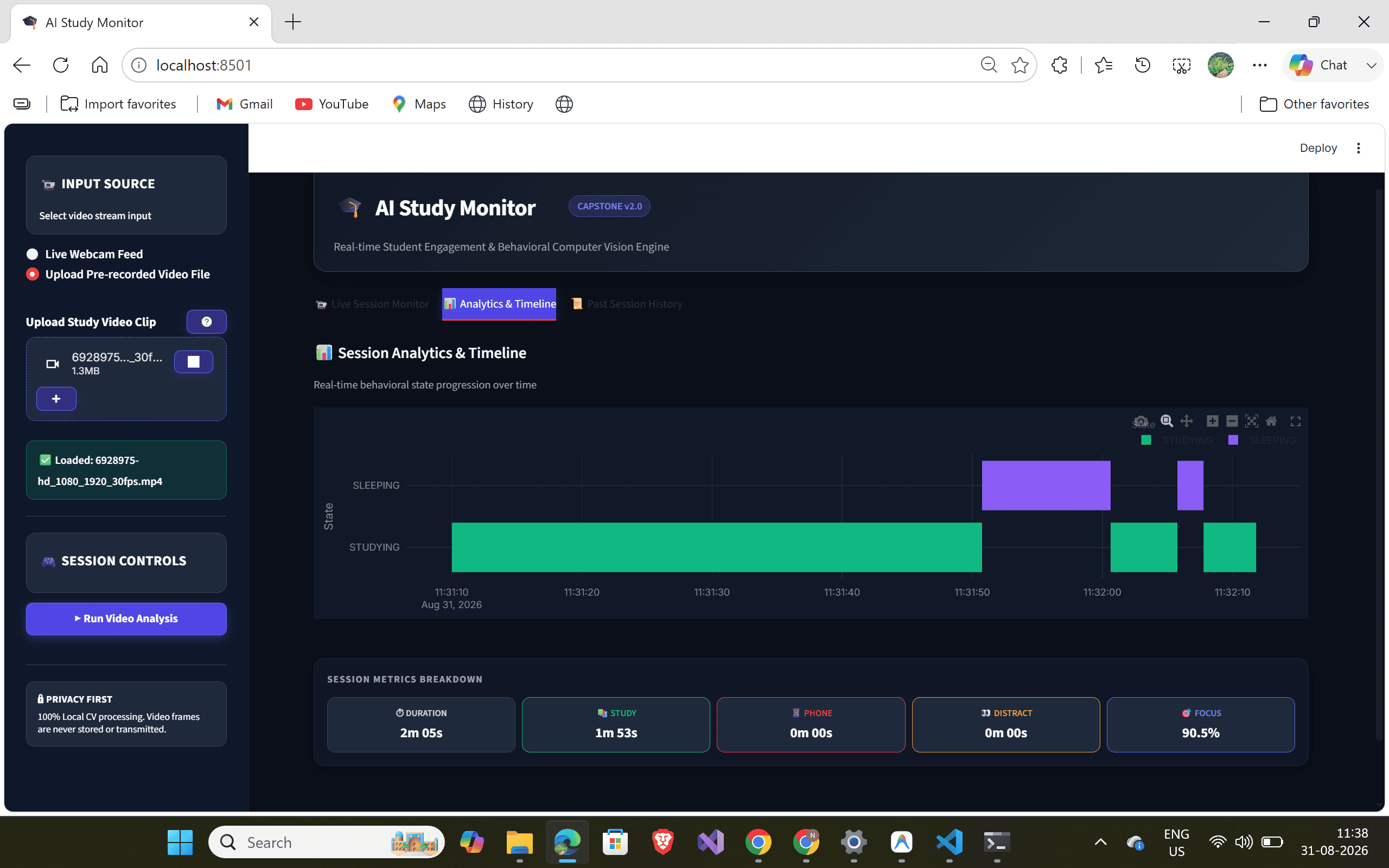
A remote learning student uses the app during a 2-hour study block to see a live status card of their current state, and afterward reviews a timeline to identify when they were most distracted, helping them adjust their study habits.
Everything You Get
13 inclusions

One purchase, the entire toolkit — nothing held back, nothing sold separately.

Complete source code
Full, runnable codebase — yours to keep
Set up in one click
Guided, ready-to-run setup — no guesswork
Real product screenshots
7 screenshots of the actual working app
Professional documentation
13 documents — SRS, setup guide, project report
Line-by-line code walkthrough
Every feature explained, module by module
Guided learning path
40 concepts, sequenced for mastery
Step-by-step build roadmap
13-phase plan from zero to shipped
Narrated demo video
Full walkthrough of the working app
Viva & exam preparation
11 examiner-style Q&A, fully answered
Interview-ready Q&A
Interview prompts, tied to your code
AI chat assistant
Ask questions about the code, get instant answers
Technical support
Real help via WhatsApp when you're stuck
Portfolio-worthy build
Showcase it to recruiters with confidence
Project Diagrams
Standard & Premium
Locked
Locked
Locked
Locked

5 architecture & design diagrams(HLD, LLD & more) — unlocked with the Standard or Premium plan.
Screenshots
AI Study Monitor screenshot 1
1 / 7
Demo Video

No demo video yet

The creator hasn't uploaded a walkthrough video.
AI Study Monitor — Source Code, Docs & Viva Prep